> For the complete documentation index, see [llms.txt](https://academy.gopersonal.ai/llms.txt). Markdown versions of documentation pages are available by appending `.md` to page URLs; this page is available as [Markdown](https://academy.gopersonal.ai/en/admin-ui/journeys/listing.md).
# Listing
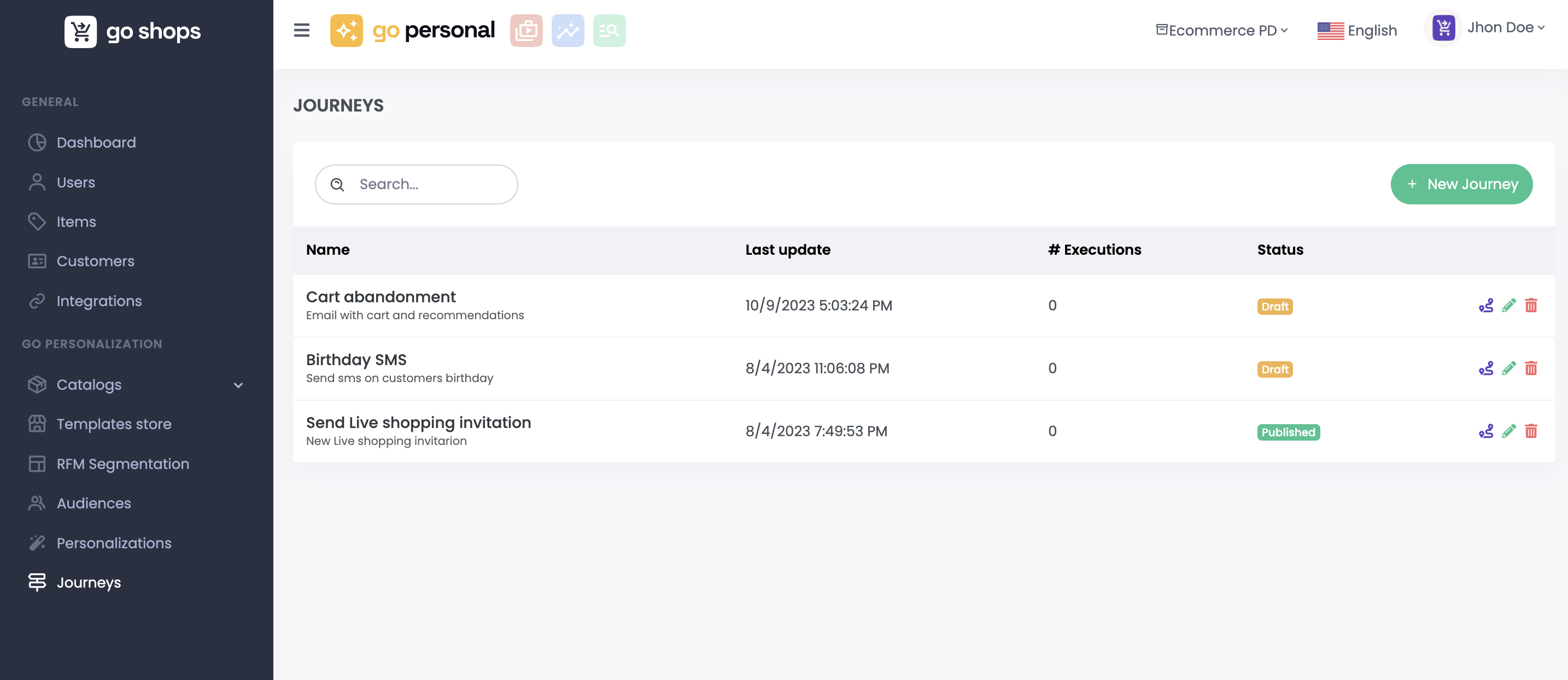
Here you can see all the journeys created for the project as well as the last modification date, number of executions, and the current status for each journey. You can search for journeys, edit basic journey details or delete it if no longer needed.
### New Journey
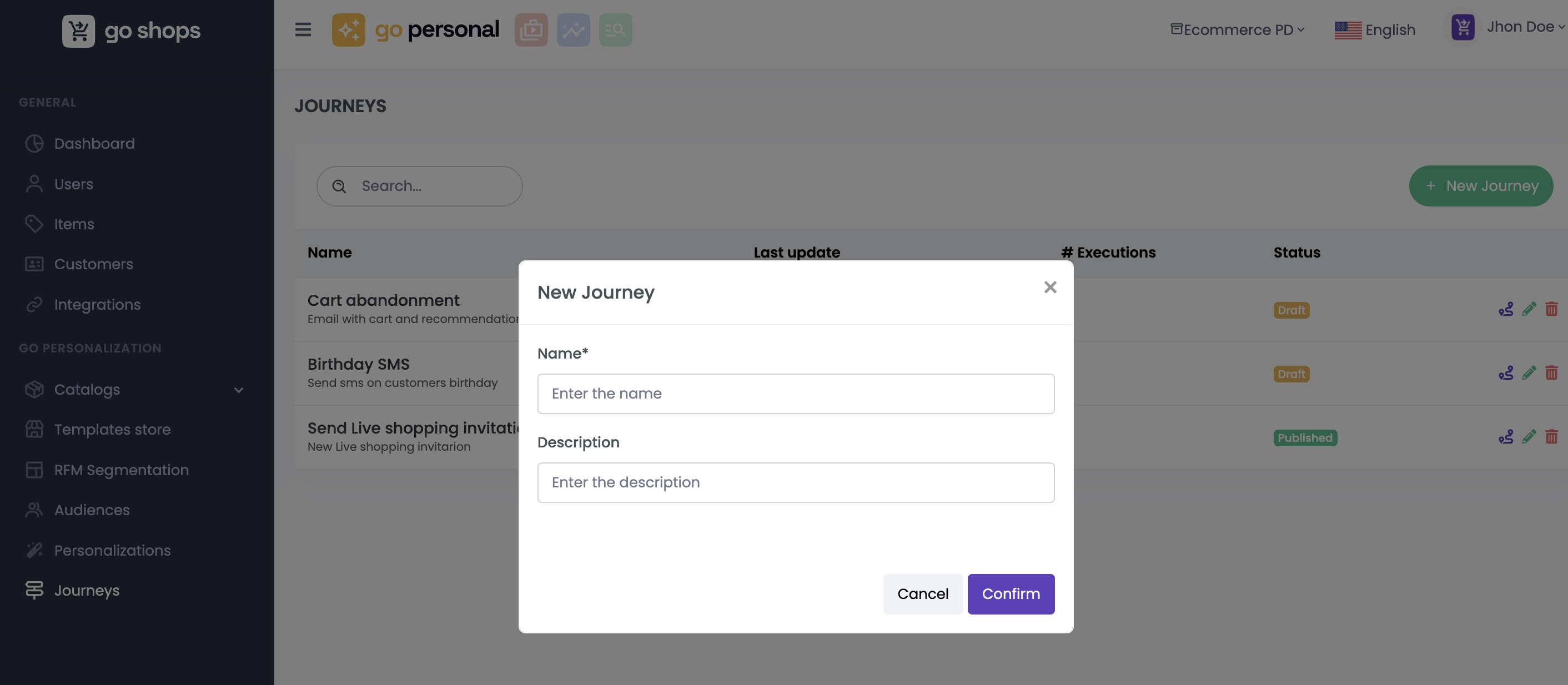
By pressing the "New Journey" button, you can create a brand new User Journey by entering its name and description.
### Workflow
The [Workflow Editor ](/en/admin-ui/journeys/workflow.md)stands as a user-friendly and intuitive tool designed to bring your User Journeys to life. This editor empowers you to create intricate and personalized journeys by seamlessly dragging and dropping various components, including channels, simple and complex conditions, integrations with external systems, and more.
By clicking the button you enter a realm of creative possibilities, where you can transform your ideas into interactive and engaging User Journeys.
 you enter a realm of creative possibilities, where you can transform your ideas into interactive and engaging User Journeys.