> For the complete documentation index, see [llms.txt](https://academy.gopersonal.ai/llms.txt). Markdown versions of documentation pages are available by appending `.md` to page URLs; this page is available as [Markdown](https://academy.gopersonal.ai/guia-de-usuario/go-live-shopping/agenda.md).
# Agenda
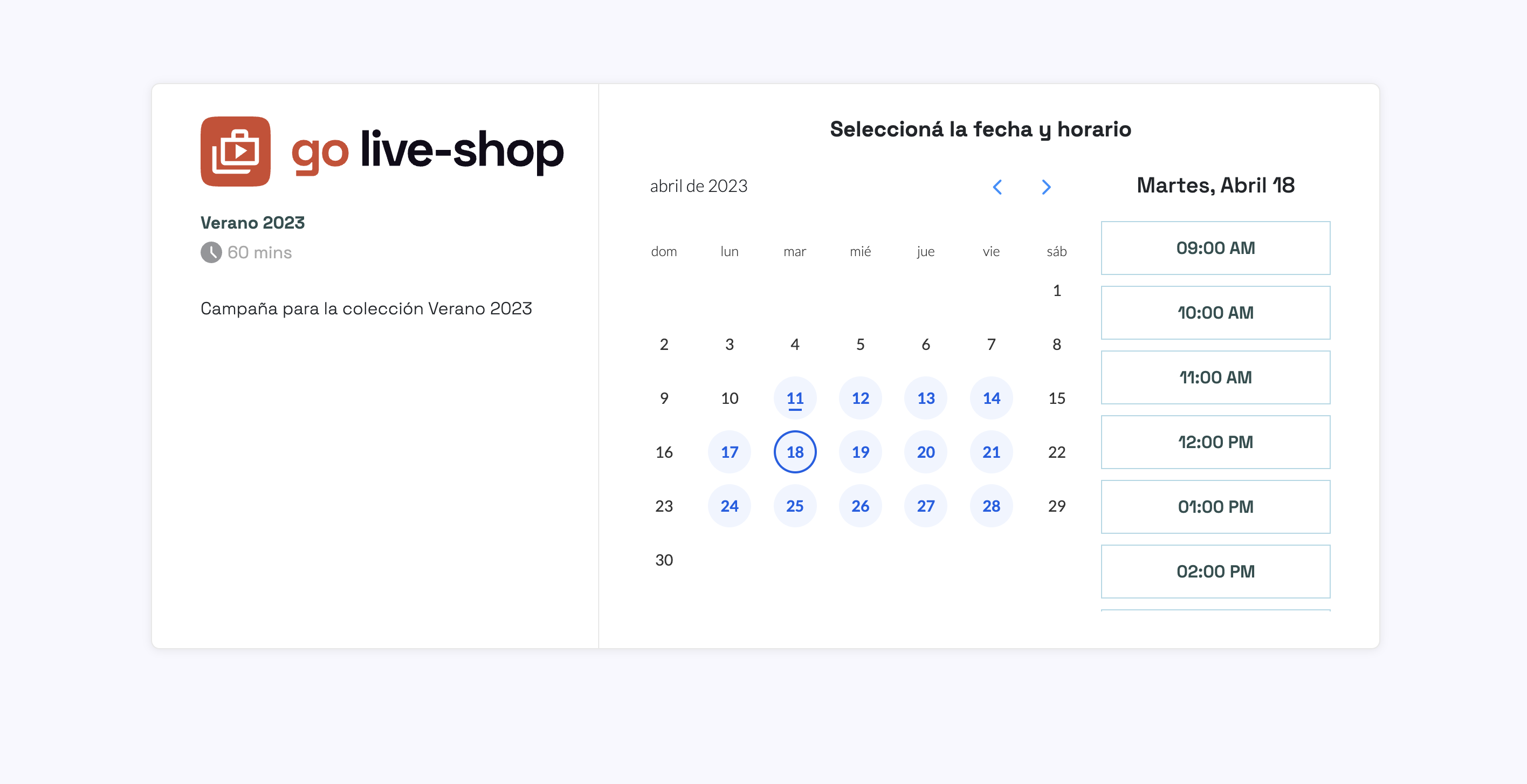
La agenda permite a los clientes crear los eventos para una campaña el día y horario de su preferencia.\
\
Para cada campaña se puede obtener la agenda desde las [configuraciones de agenda](https://docs.goshops.com/admin-ui/go-live-shopping/campanas#agenda) así como también customizar algunos aspectos de la agenda.
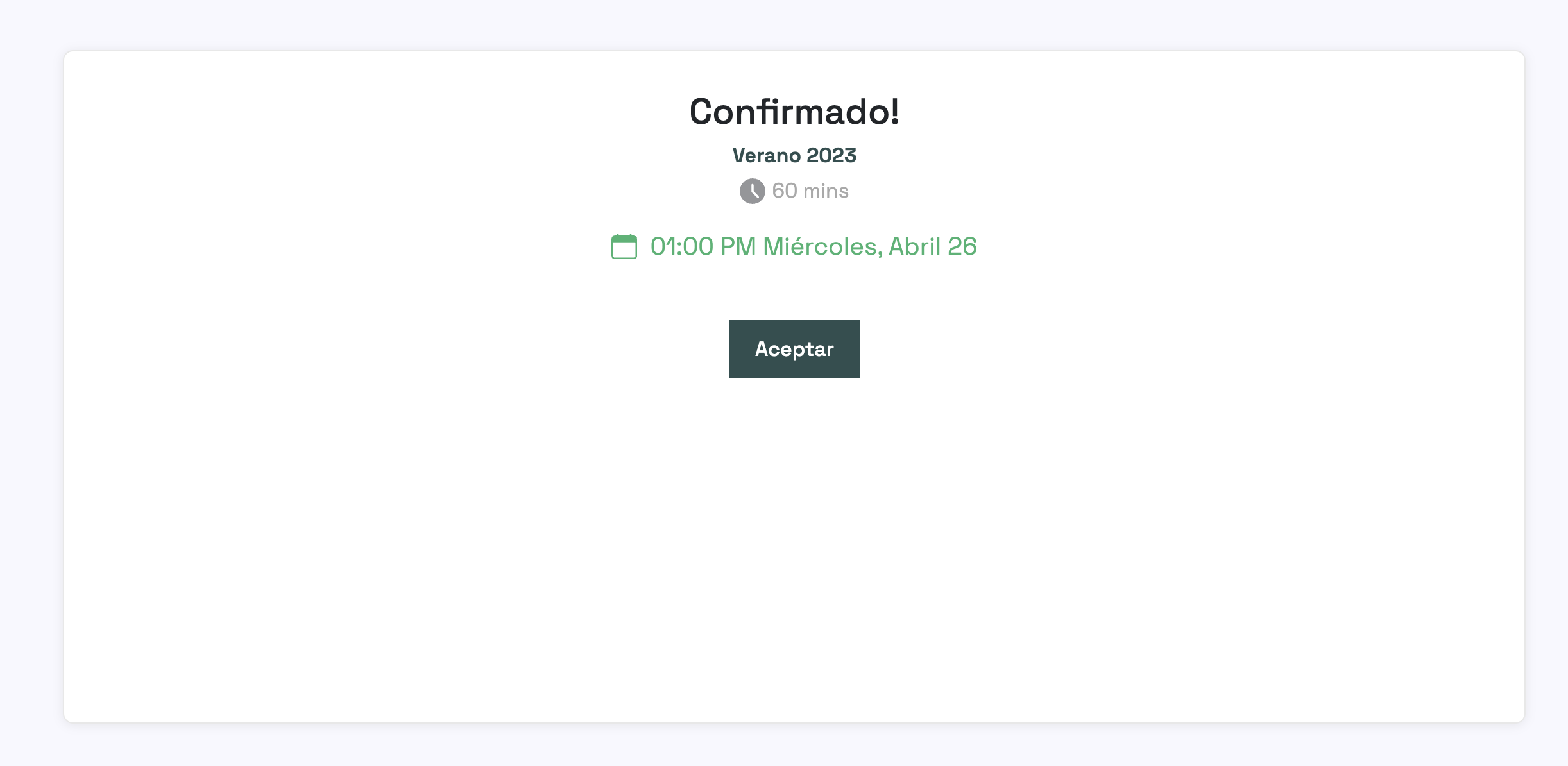
Luego de seleccionar el día y la hora el cliente deberá ingresar nombre y correo para completar la agenda.
El evento se asignará a un host aleatorio de los disponibles para la campaña. El host puede obtener su link de agenda desde las [configuraciones de agenda ](/guia-de-usuario/go-live-shopping/campanas.md#agenda)para la campaña. En este caso cuando el cliente se agende se agendará a un evento con este host.