> For the complete documentation index, see [llms.txt](https://academy.gopersonal.ai/llms.txt). Markdown versions of documentation pages are available by appending `.md` to page URLs; this page is available as [Markdown](https://academy.gopersonal.ai/guia-de-usuario/go-live-shopping/grupos.md).
# Grupos
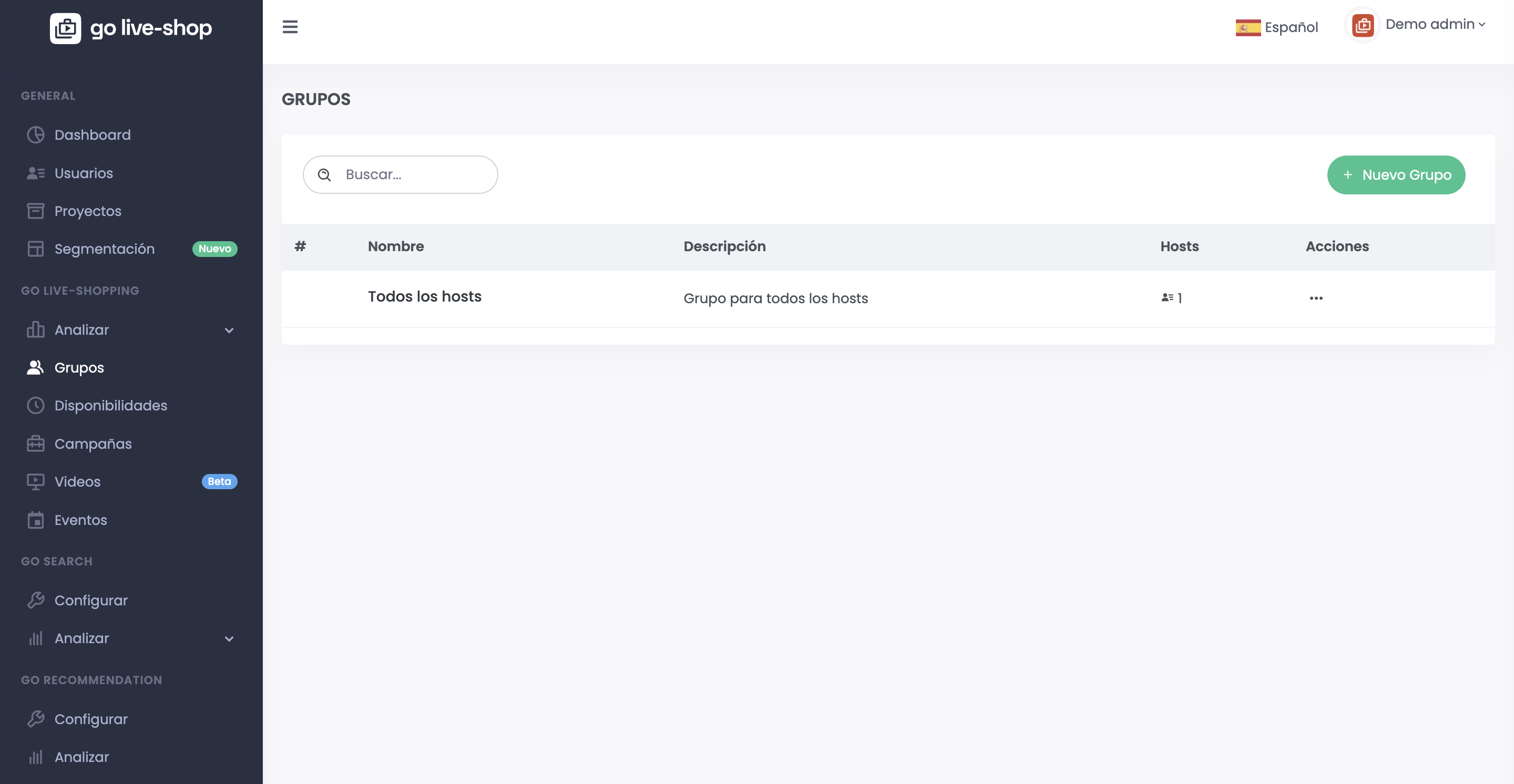
Los grupos permiten agrupar hosts que atenderán eventos en las campañas. Por default existe el grupo "Todos los hosts".
\
Estos grupos son asignados a la hora de creación o modificación de usuario de tipo host.
El admin también puede modificar los datos del grupo así como también eliminarlos si ya no desea contar con el mismo.\
\
Presionando en hosts puede ver los hosts del grupo así como remover y agregar nuevos hosts.
## Nuevo grupo
El admin puede agregar un grupo presionando el botón **+Nuevo grupo**.
Para agregar un nuevo grupo el nombre y descripción del grupo son requeridos.
##