> For the complete documentation index, see [llms.txt](https://academy.gopersonal.ai/llms.txt). Markdown versions of documentation pages are available by appending `.md` to page URLs; this page is available as [Markdown](https://academy.gopersonal.ai/guia-de-usuario/journeys/editor-workflow/espera/esperar-por-tiempo.md).
# Esperar por tiempo
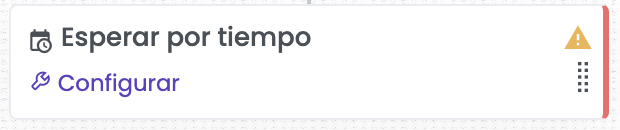
Esperar por Tiempo permite introducir pausas estratégicas en el journey, asegurando que cada acción se ejecute en el momento más adecuado. Esta funcionalidad es clave para crear intervalos de tiempo entre las interacciones, lo que permite que los usuarios esperen una duración específica antes de proceder al siguiente paso del flujo. Esto garantiza que las comunicaciones y acciones se realicen en el momento óptimo, mejorando la relevancia y el impacto de las interacciones con los clientes.
## Configurar Espera por tiempo
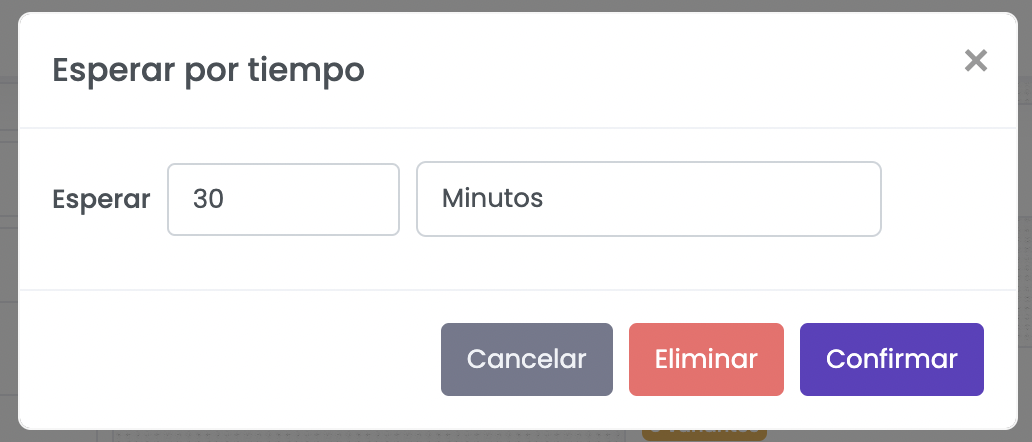
Es posible configurar el tiempo de espera en minutos, horas, días y semanas.
{% hint style="info" %}
El tiempo de espera máximo son 12 semanas (3 meses aprox).
{% endhint %}